Chúng tôi dùng cookie thiết yếu để phiên của bạn hoạt động. Cookie phân tích giúp chúng tôi cải thiện trang; cookie quảng cáo và đo lường (Google Ads) giúp chúng tôi xem hiệu quả quảng cáo. Chính sách bảo mật
Năm bước: tạo tài khoản, tải và cài SRBOT, đăng nhập, chọn thư mục, bắt đầu từ bảng điều khiển.
Grafikerdem Studios · © Silkroad Online
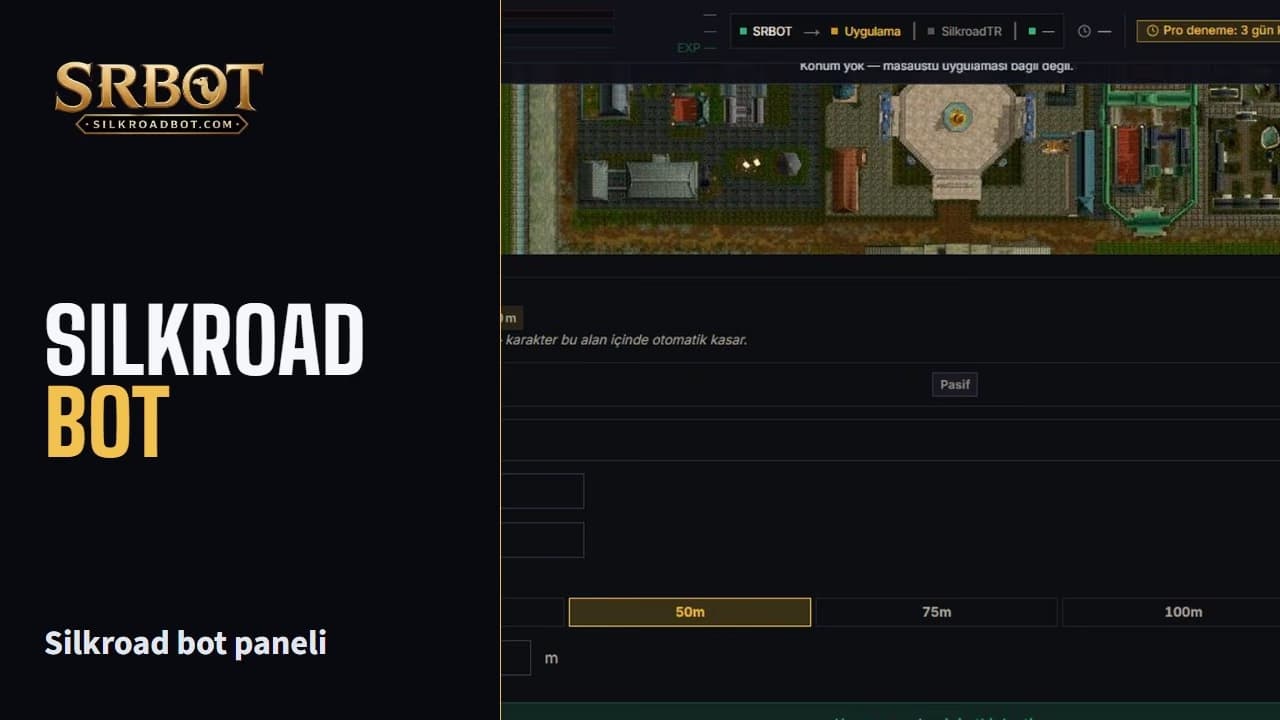
Video tải từ YouTube khi bạn nhấn Phát.
Sign up with your e-mail at silkroadbot.com for free. New accounts start with a Pro trial.
Download SRBOT-Setup.msi from the download page and run it. You do not need to install .NET separately; the installer brings it along. If Windows shows a warning, choose "More info", then "Run anyway".
Start SRBOT. Sign in with your account on the page that opens in the browser; the session passes to the app on its own.
When SRBOT connects to the panel, a folder window opens on your computer; point to the folder where Silkroad Online is installed. It must contain sro_client.exe, e.g. C:\SilkroadTR. If the window did not open or you closed it: Press "Select folder" on the Next step card in the panel, or right-click the SRBOT icon in the taskbar and choose "Silkroad klasörünü seç" (select Silkroad folder). Game data is prepared on the first selection; do not start the game before it finishes.
On the Next step card in the panel pick your server and press "Open game"; the game opens on this computer. On the game's login screen enter your game account ID and password, enter your second password there too if you have one, and pick your character in the game. The panel never asks for these; never share your game password. Once your character is in the game, the bot recognizes it. If your character is saved, on later launches pick your server and character on the Silkroad Connection screen and press Start.