Мы используем обязательные cookie для работы сессии. Аналитические cookie помогают улучшать сайт, рекламные и измерительные cookie (Google Ads) — видеть, как работают наши объявления. Политика конфиденциальности
Установщик SRBOT для Windows. После установки вы управляете персонажами из панели.
Grafikerdem Studios · © Silkroad Online
Sürüm bilgisi alınıyor…
Download SRBOT-Setup.msi with the button above. Windows 10 and 11 (64-bit) only.
Run the file. If Windows says "Windows protected your PC", choose "More info" first, then "Run anyway". The installer is not code-signed yet, which is why the warning appears.
When SRBOT opens, a sign-in page opens in your browser. Sign in with your silkroadbot.com account; the app connects to the panel. Then point to your Silkroad folder, pick your server in the panel and press "Open game".
Видео загружается с YouTube при нажатии «Воспроизвести».
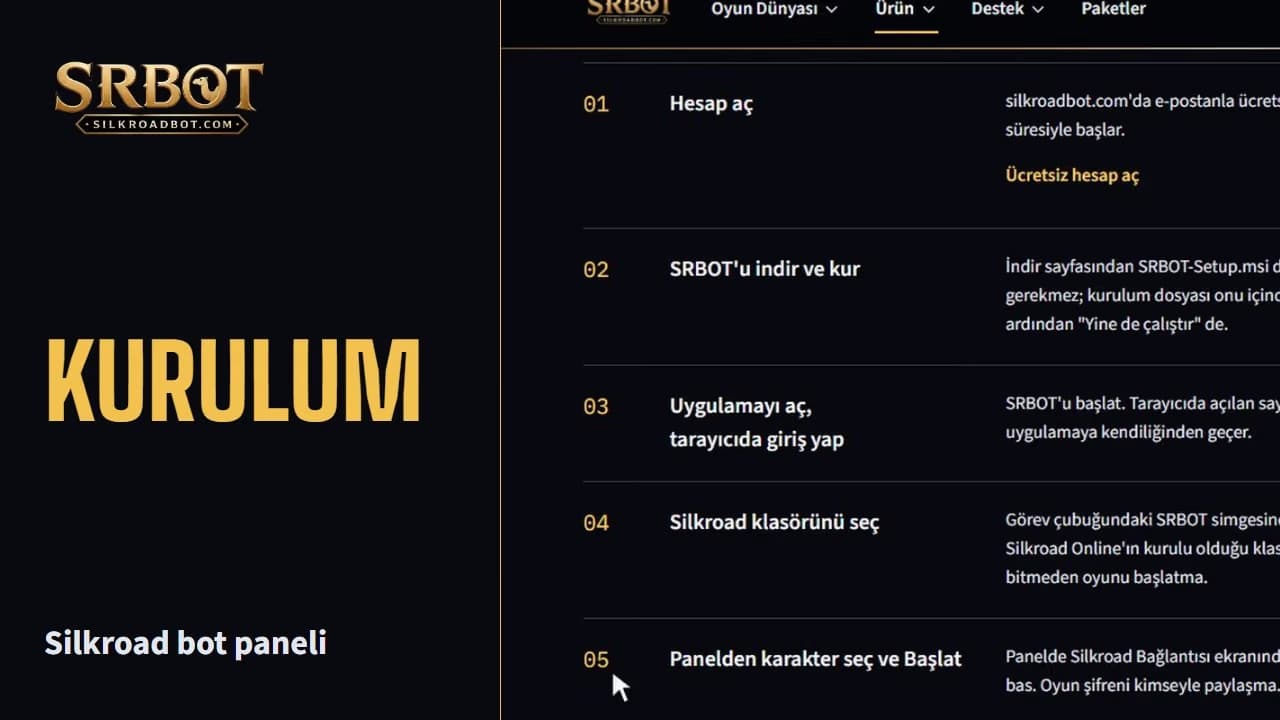
Sign up with your e-mail at silkroadbot.com for free. New accounts start with a Pro trial.
Download SRBOT-Setup.msi from the download page and run it. You do not need to install .NET separately; the installer brings it along. If Windows shows a warning, choose "More info", then "Run anyway".
Start SRBOT. Sign in with your account on the page that opens in the browser; the session passes to the app on its own.
When SRBOT connects to the panel, a folder window opens on your computer; point to the folder where Silkroad Online is installed. It must contain sro_client.exe, e.g. C:\SilkroadTR. If the window did not open or you closed it: Press "Select folder" on the Next step card in the panel, or right-click the SRBOT icon in the taskbar and choose "Silkroad klasörünü seç" (select Silkroad folder). Game data is prepared on the first selection; do not start the game before it finishes.
On the Next step card in the panel pick your server and press "Open game"; the game opens on this computer. On the game's login screen enter your game account ID and password, enter your second password there too if you have one, and pick your character in the game. The panel never asks for these; never share your game password. Once your character is in the game, the bot recognizes it. If your character is saved, on later launches pick your server and character on the Silkroad Connection screen and press Start.
Подробное руководство по установке
The installer is not code-signed yet. Windows SmartScreen may show a "Windows protected your PC" warning. If you downloaded the file from this site's download page, choose "More info", then "Run anyway".
Because SRBOT attaches to the game client, some antivirus software may warn about or block the file. Do not turn your antivirus off completely.
Проверьте файл перед запуском:
Не запускайте файл, который не можете проверить, и не отключайте защиту антивируса.
Когда выходит новая версия, файл на этой странице обновляется. Скачайте текущий установщик и запустите его.